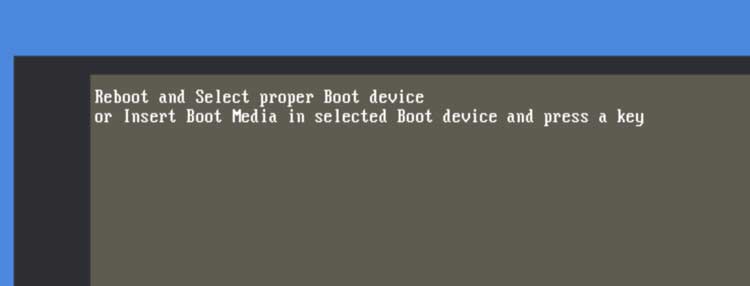
Screen shows error message in picture below:
The stick that was your backup stick will now be the boot drive, and will show up as drive C:. All your tool offsets and any programs that haven't been backed up will be on your D: drive now, so you'll need to touch your tools off and maybe reload you part programs if you need one that hasn't been backed up.
Since we know that your boot drive has gotten scrambled, I don't know if any of your programs on either of your drives can be trusted, and I don't recommend copying any files off the drive that's been failing to boot.
If it will boot and run from the external drive, we'll know that the internal one is corrupted, so it will need to be replaced: part number 995-09-006, $50.
NOTE: If it won't boot from the backup stick you may need to take the front panel off the control and remove the internal usb drive. It's in the bottom USB socket below the ethernet cable. See attached VBusb.jpg. It's the tiny black plastic jelly bean with the red Sandisk logo in the bottom right corner of the computer chassis.
Meanwhile, you can run from the external stick until the internal one is replaced.